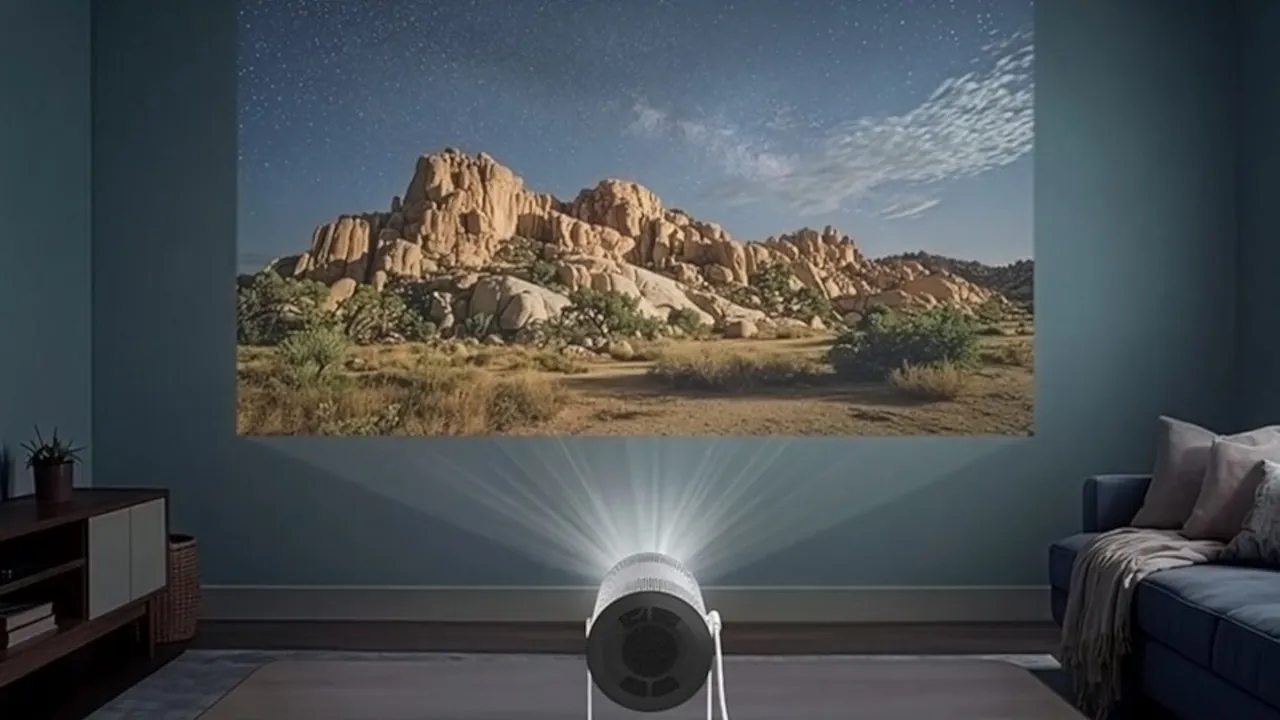
The “Point and Play” Projector
Get ready to meet The Freestyle+ AI Smart Projector. Priced at $1,199.99, this lightweight, can-shaped device turns almost any surface into a 100-inch smart screen. It works great both indoors and outdoors without standard setup headaches.
Why You Should Care
Setting up a traditional projector usually involves moving furniture, finding a blank wall, and manually focusing the lens. The Freestyle+ uses built-in AI to do all that heavy lifting automatically. Simply point it at a wall to get started. The projector instantly focuses, straightens the image, and adjusts colors for painted or patterned walls.
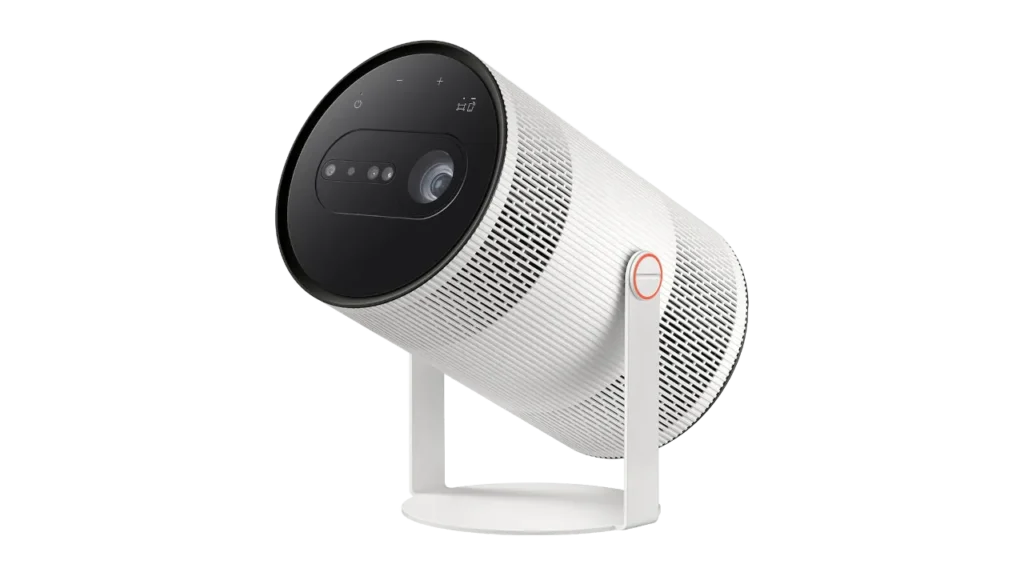
The Essential Details
Here is a breakdown of the hardware and features packed into the new release:
- Obstacle Dodging: If you have a picture frame or a light switch on your wall, the projector’s “Vision AI” detects it and automatically shrinks or shifts the screen to avoid the obstruction.
- Instant Focus: An ultrasonic motor acts like a digital tape measure, instantly judging the distance to the wall so your movie is never blurry when you move the projector.
- Smart TV Built-In: It runs on Samsung’s Smart Hub software. You don’t need to plug in a separate streaming stick. You get native apps, hundreds of free channels via Samsung TV Plus, and cloud gaming right out of the box.
- Built-In Assistants: The new dashboard integrates both Bixby and Google’s Gemini, letting you use voice commands to find movies or ask for recommendations.
- True Portability: While it comes with a wall plug, you can run it off an external USB-C battery pack for movie nights in the backyard.
- Apple Friendly: Despite being a Samsung device, it features native Apple AirPlay 2 support, making it incredibly easy to cast videos directly from your iPhone or Mac.
Image Credit: Samsung